Yuva Sathi Online Services 2026 – Easy Guide for Mobile Users
The Yuva Sathi Online Services 2026 guide helps West Bengal residents understand how to access official scheme information, check application updates, and use the available portal features from a mobile phone. If you have already submitted an application for Banglar Yuba Sathi, using the official website can help you find notices and information about your application.
Banglar Yuba Sathi is a West Bengal government scheme intended to provide financial assistance to eligible unemployed, educated young people. The official portal provides application-related information, status access, and public notices. However, the online application period officially closed on 26 February 2026, so new applications should not be assumed to be available.
This guide explains how to use the portal on a smartphone, check available services, prepare your information, and find assistance when you encounter problems.
What Are Yuva Sathi Online Services?
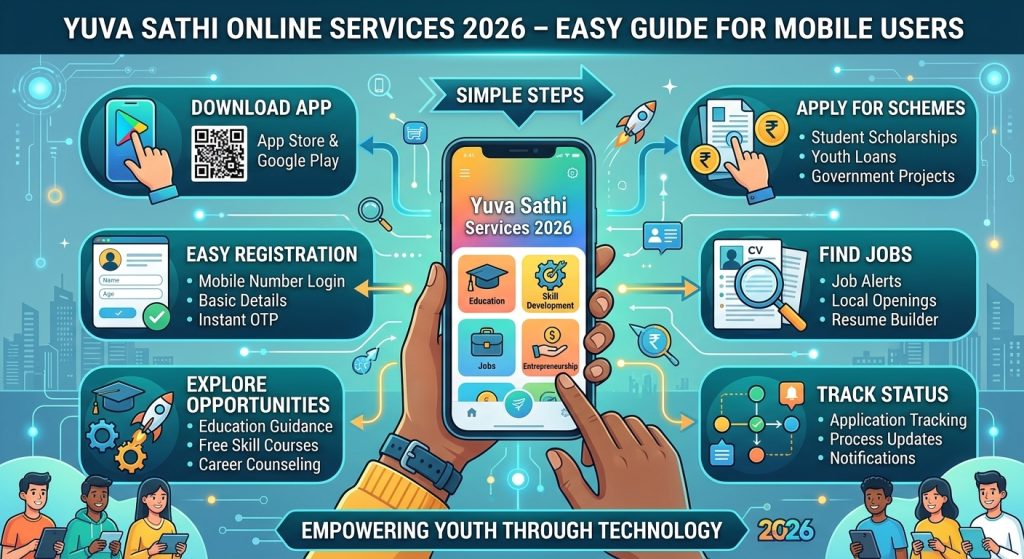
Yuva Sathi Online Services refer to the online information and application-related facilities associated with the Banglar Yuba Sathi scheme of the Government of West Bengal.
The official portal is designed to help users access scheme information and relevant services. Depending on the current portal options and the applicant’s account, users may be able to review application-related information, check status, or read official announcements.
The main official website is Banglar Yuba Sathi. Always check the latest notices before relying on information shared by third-party websites.
You can also visit our Yuva Sathi Status website for additional scheme-related guides.
How to Open Yuva Sathi Online Services on Mobile
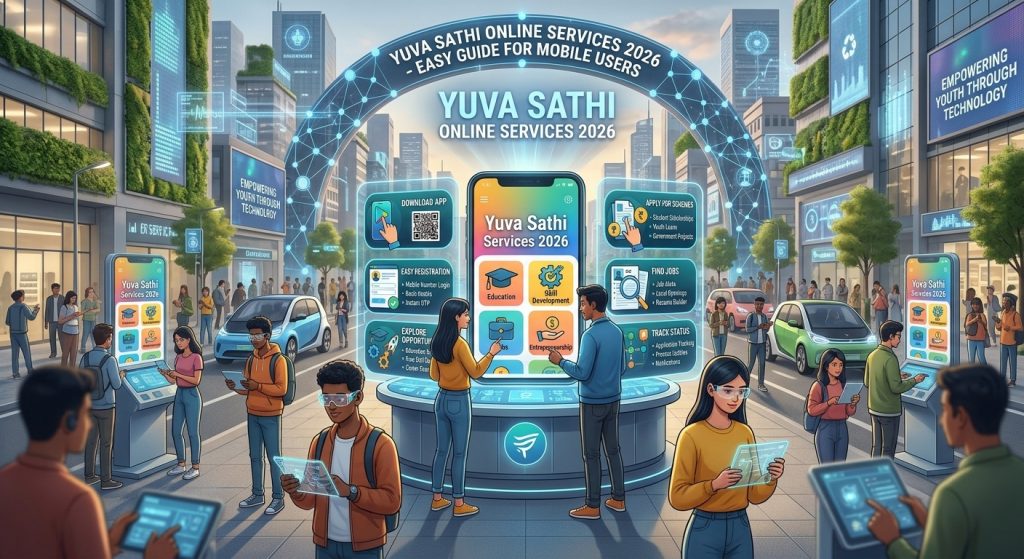
You do not necessarily need a computer to visit the official website. Follow these steps to access it from your Android phone or iPhone.
Step 1: Open Your Mobile Browser
Open Google Chrome, Safari, or another updated browser on your phone. Make sure your internet connection is working properly.
Step 2: Visit the Official Website
Enter https://yubasathi.wb.gov.in/ in the address bar. Check the website address before entering any personal information.
The official website is maintained by the Government of West Bengal’s Department of Youth Services & Sports.
Step 3: Review the Available Services
Once the website loads, look for the available options, such as application status, public notices, and other scheme-related information.
The options displayed may change as the government updates the portal. Since the application period has ended, check the current notices to understand which services remain available.
Step 4: Sign In if Required
If you need to access an account-specific service, follow the instructions shown on the official portal. Use your registered details and any required verification information.
Never share your password, secret PIN, or OTP with an unofficial agent.
Step 5: Save Important Information
If you find an official notice or status update relevant to your application, save a screenshot or note the details for future reference. Avoid saving sensitive account information on a shared device.
How to Check Yuva Sathi Application Status on Mobile
If you previously submitted an application, checking the available status service is a useful way to look for updates.
- Open the official Banglar Yuba Sathi portal.
- Look for the Application Status option.
- Follow the instructions displayed on the official website.
- Enter the requested information, if required.
- Review the result and any instructions provided.
The portal may require registered information or account verification. The exact steps depend on the current status-checking interface.
If your status does not load, try again after checking your internet connection and browser. If the problem continues, contact the official help desk.
Remember that checking your application status is different from submitting a new application. The published application period ended on 26 February 2026, and the official closure notice states that new applications and modifications will not be accepted after the closing time.
Yuva Sathi Scheme Eligibility and Benefits
Understanding the scheme’s eligibility rules can help applicants interpret the information published on the official website.
According to the government’s scheme notification, the main eligibility conditions include:
- Residence: The applicant must be a permanent resident of West Bengal.
- Age: The applicant must be between 21 and 40 years old as of 1 April 2026.
- Education: The applicant must have passed Madhyamik or an equivalent examination.
- Employment: The scheme is intended for eligible unemployed youth.
- Other benefits: Additional restrictions concerning other government assistance or social security schemes may apply.
The announced financial assistance is ₹1,500 per month for eligible beneficiaries, for a maximum of five years or until the specified scheme-ending condition applies, whichever comes first. Eligibility does not automatically guarantee approval or payment.
For authoritative details, consult the official West Bengal government scheme information and the relevant official notifications.
Documents and Information to Keep Ready
If you have already applied, keeping your application details and supporting documents organized can help when checking your records or contacting support.
Depending on the scheme’s requirements, the documents requested during the application process included:
- Madhyamik or equivalent examination admit card.
- Madhyamik or equivalent marksheet or certificate.
- Aadhaar card.
- Voter card.
- First page of the bank passbook.
- Applicable caste certificate, if required.
- Recent passport-size photograph.
- Applicant’s signature.
- Registered mobile number.
The official portal’s quick tips specify file-format and size requirements for application uploads. Those requirements should be checked against the current official instructions rather than assumed to remain unchanged.
Keep copies of your submitted application and acknowledgement, if available. Do not upload sensitive documents to unrelated websites claiming to provide faster approval.
Common Mobile Problems and Their Solutions
Website Not Opening
Check your internet connection, refresh the page, or try another browser. If the official website is temporarily unavailable, wait and try again later.
Application Status Not Loading
Confirm that you are using the official portal and following its current instructions. If the problem continues, contact the official help desk.
Forgotten Password or Secret PIN
Use the recovery option available on the official portal, if provided. Follow the displayed verification steps and never give your secret PIN to another person.
Page Not Displaying Properly
Update your browser, clear cached website data if necessary, or try opening the website in a private browsing window.
Confusion About New Applications
The online application period officially closed on 26 February 2026. Do not trust websites claiming that registration has reopened unless the Government of West Bengal publishes a new official announcement.
Official Yuva Sathi Help Desk
If you cannot access your account or need clarification about the scheme, use the contact information published on the official portal.
- Help desk phone: 6292248888
- Email: yubasathi2026@gmail.com
- Official website: https://yubasathi.wb.gov.in/
When contacting support, explain the issue clearly and provide only the information requested through the official channel. Never send your password or OTP.
Frequently Asked Questions
1. Can I use Yuva Sathi Online Services on my mobile phone?
Yes. You can open the official website using a mobile browser. The services available to you depend on the current portal options and your application status.
2. Is Yuva Sathi registration still open in 2026?
The official notice states that the online application period closed on 26 February 2026. Check the official website for any later announcement before assuming that new registration is available.
3. How can I check my Yuva Sathi application status?
Visit the official portal and select Application Status, if available. Follow the instructions shown on the website and enter the required information.
4. How much financial assistance does Banglar Yuba Sathi provide?
The announced assistance is ₹1,500 per month for eligible beneficiaries, subject to the scheme’s conditions and approval process.
5. What should I do if the website is not working?
Check your internet connection, refresh the page, and try another browser. If the issue continues, contact the official help desk at 6292248888.
6. Is the Yuva Sathi Status website the official government portal?
No. Our website, yuvasathistatus.org, provides additional informational guides. For official application services, notices, and verified scheme information, use the Government of West Bengal’s portal.
Conclusion
Yuva Sathi Online Services 2026 can help mobile users find scheme information, review available application-status facilities, and read official announcements. Start with the government website, follow the instructions shown on your phone, and keep your application details organized.
Because the original online application period ended on 26 February 2026, applicants should check official notices before expecting new registration or modification options. For account-related questions, use the official help desk and avoid sharing sensitive information with unauthorized websites or agents.